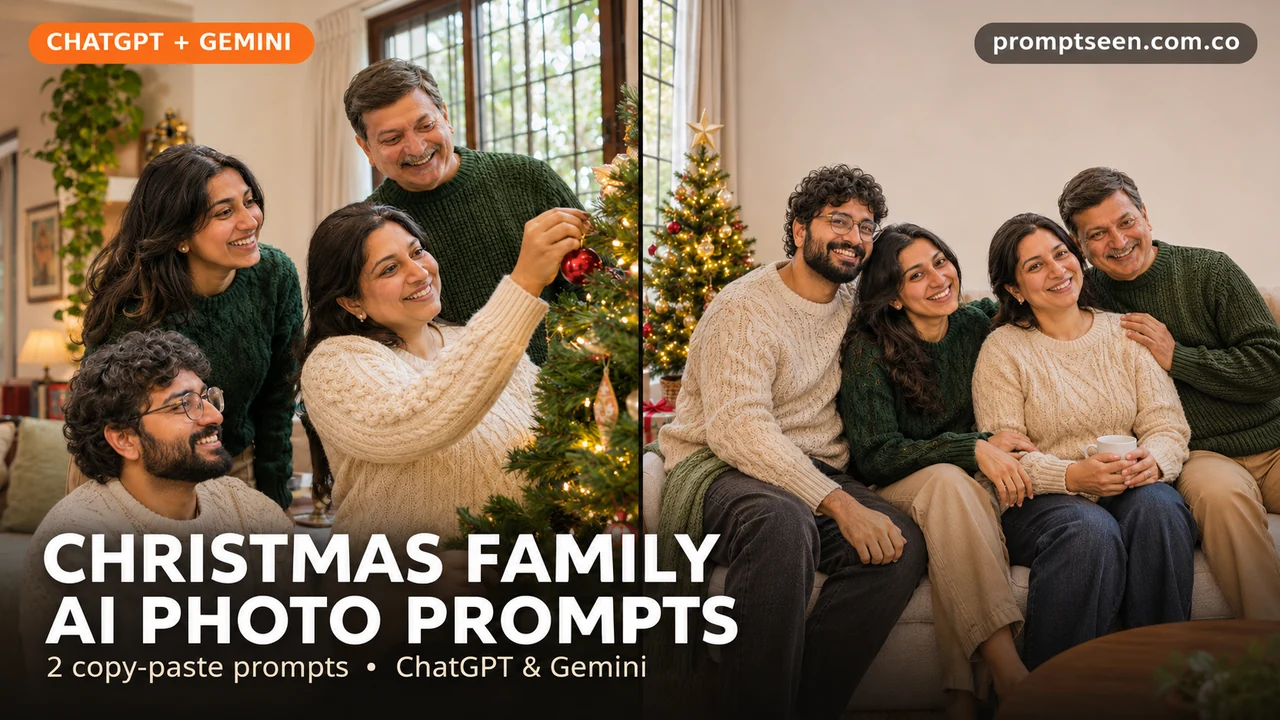
Want a Christmas photo with the whole family in it? Try a tree-decorating moment or a relaxed sofa photo. You do not need matching outfits or a fancy room. A clear family photo and a simple prompt are enough to start. These looks use adults, soft light and small holiday details. Upload your photo, copy one prompt below and paste it into your image chat.
Christmas Family AI Photo Prompts (Copy & Paste)
Tap Copy prompt under any photo, then paste it into ChatGPT or Gemini with a clear photo.
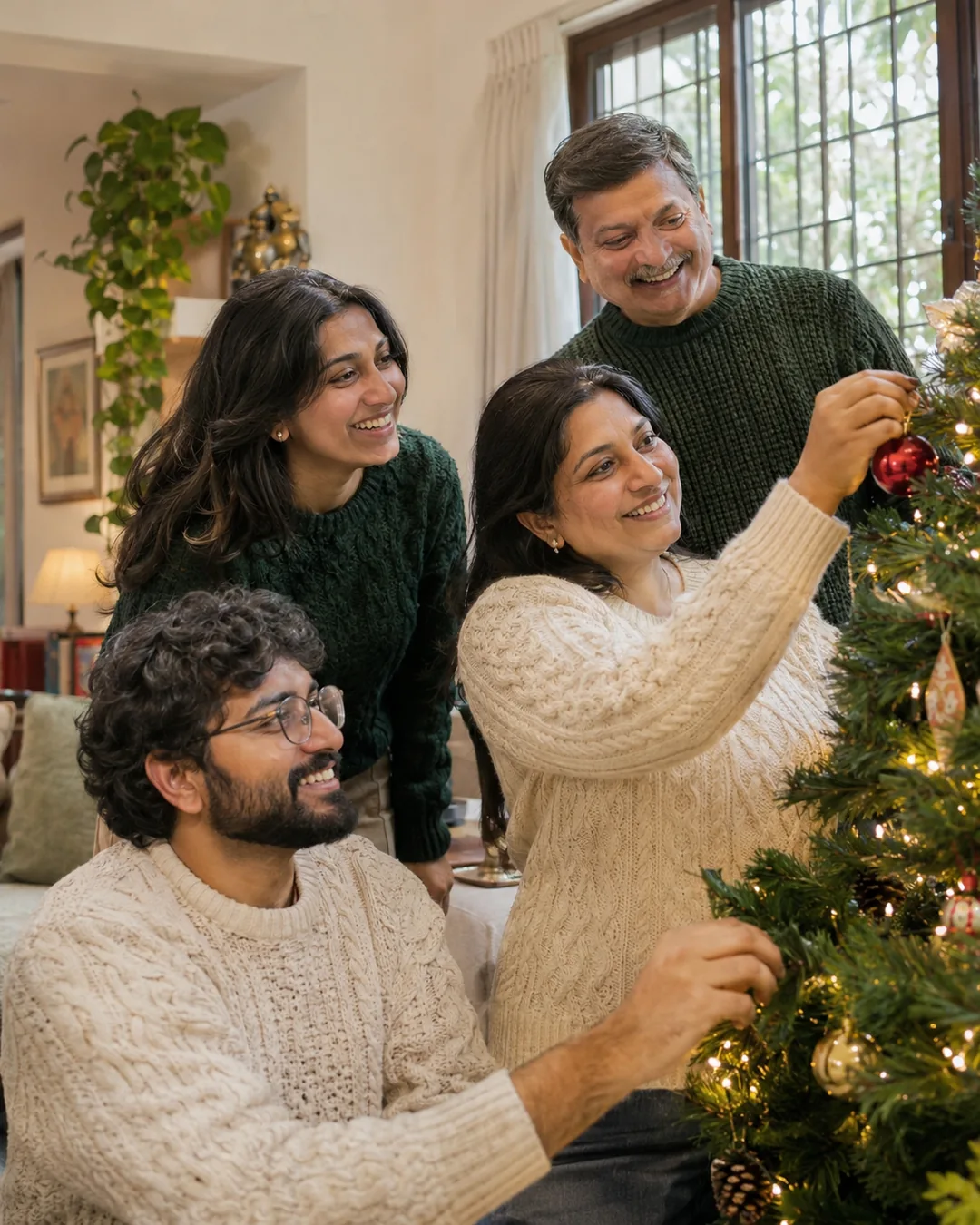
Decorating The Tree Prompt
A small job, such as hanging a decoration, makes the photo feel less posed. Keep all four faces visible.
Make a natural-looking photograph using the adult person or people in my uploaded photo. Show the four adults from my family photo decorating a small Christmas tree in a real living room. The father and adult daughter wear green knit sweaters. The mother and adult son wear cream sweaters. One person hangs a red ornament while the others smile. Keep their hands separate and all four faces clear. Mix soft window light with warm tree lights. Keep each face, age, hair and skin tone close to the original photo. Do not blend faces or reshape the body. Show natural skin and cloth detail. Keep hands and fingers normal. Use a tall 4:5 frame. No words, logos or watermark.
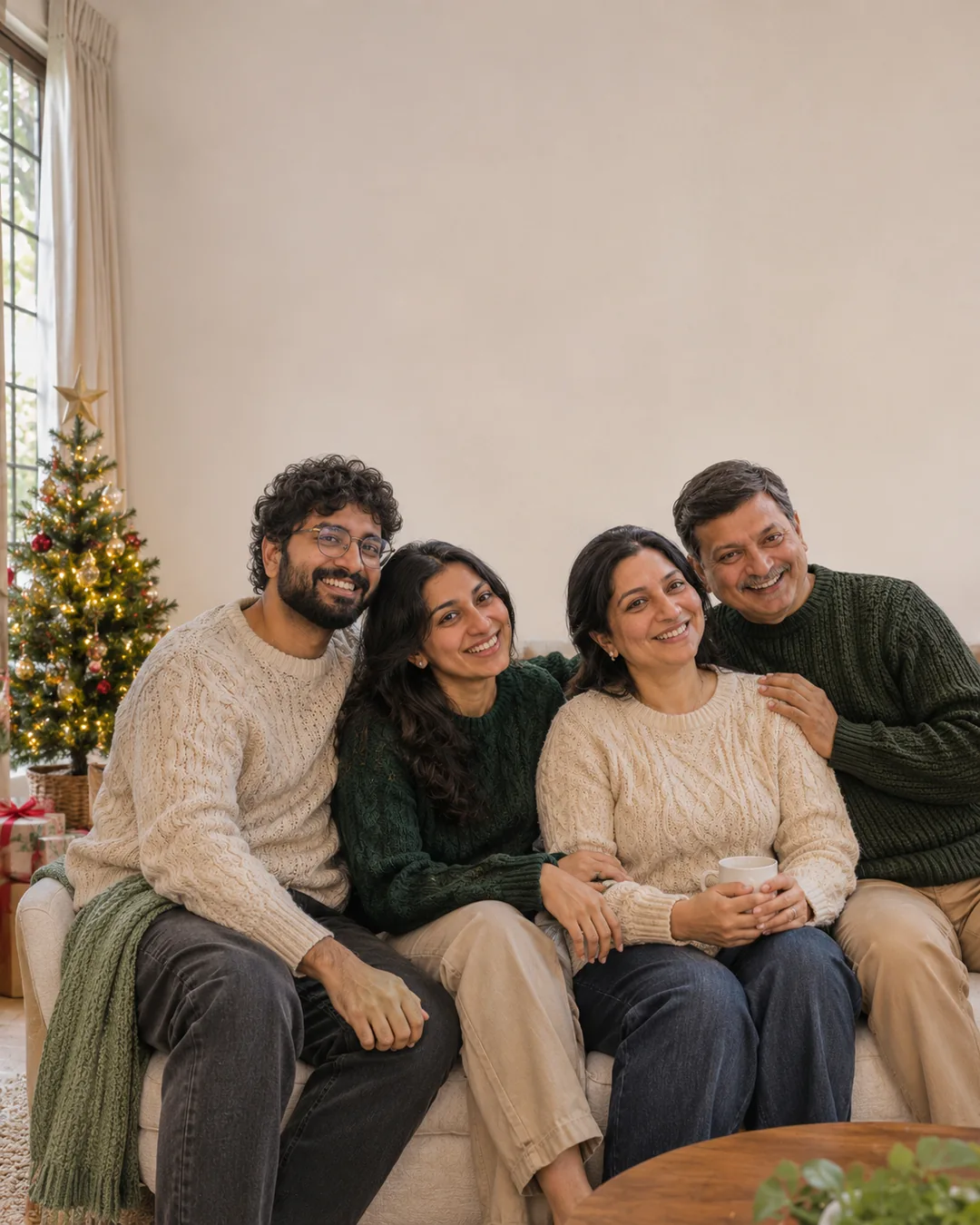
A Quiet Family Sofa Photo Prompt
Choose this for a greeting card. Leave room around the family so you can add a short message later.
Make a natural-looking photograph using the adult person or people in my uploaded photo. Show the four adults from my family photo seated close together on a cream sofa. They wear plain green and cream sweaters. Put a small Christmas tree beside the sofa, with warm lights and a few wrapped presents below it. Let them smile toward the camera without a stiff pose. Use soft window daylight and leave some empty wall above their heads. Keep each face, age, hair and skin tone close to the original photo. Do not blend faces or reshape the body. Show natural skin and cloth detail. Keep hands and fingers normal. Use a tall 4:5 frame. No words, logos or watermark.
How to Use These Prompts in ChatGPT or Gemini
- Choose a clear photo with the face in good light. Use one photo per person if you do not have a good group photo.
- Open a chat with image tools in ChatGPT or Gemini. Upload the photo, then paste one complete prompt.
- Change the clothes or colors if you want. Keep the first try simple.
- Check every face and hand. Ask for one small fix before saving the photo.
Tips for Better Results
- Use a group photo where no face is hidden.
- Name each person by position, such as left or right, if the tool mixes faces.
- Keep decorations simple so the family stays the focus.
Conclusion
Pick a look, upload a clear photo and paste the full prompt. For more ideas, browse our free AI photo prompts or the latest prompts on Prompt Seen.
FAQs
Will the face stay exactly the same?
Not always. A clear photo helps, but the tool can still change small features. Compare the result with your original and ask it to fix the part that looks wrong.
Can I change the clothes or colors?
Yes. Replace the outfit line with the clothes you want. Keep the light and pose the same while you try a new color.
Are these real photos?
No. The pictures on this page are AI-made examples with fictional adults. Your own result will depend on your uploaded photo and the tool you use.