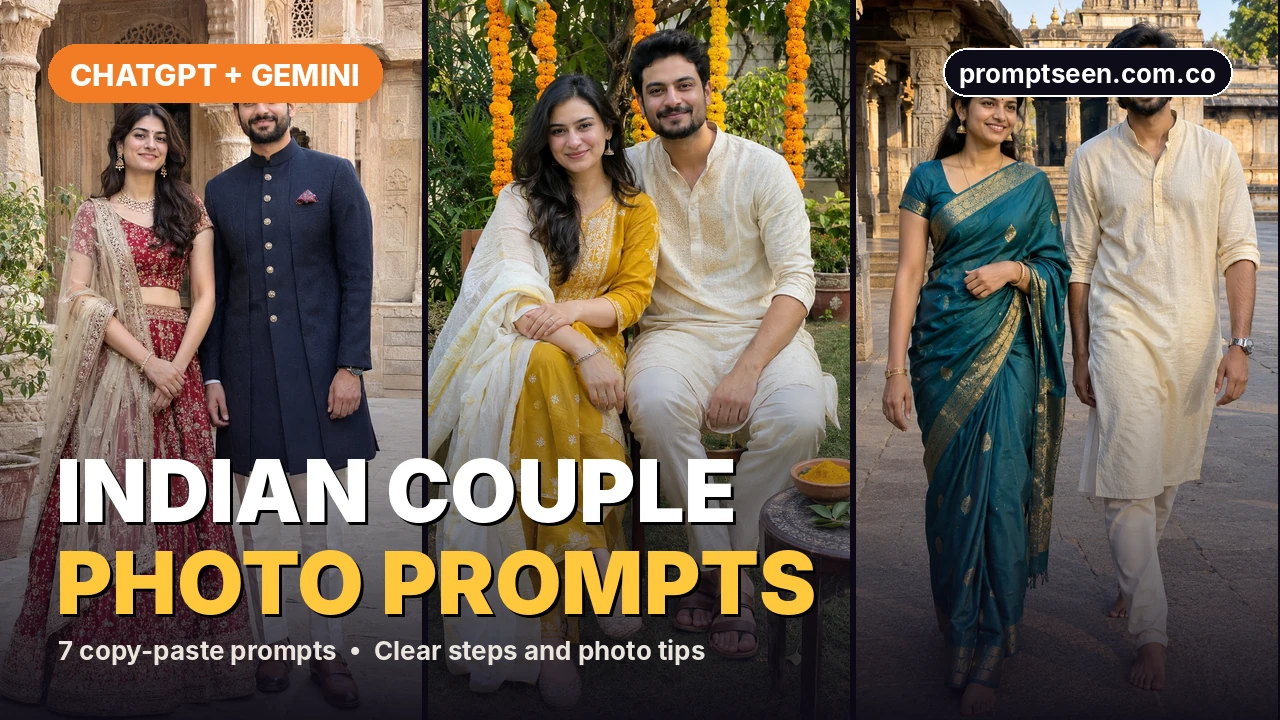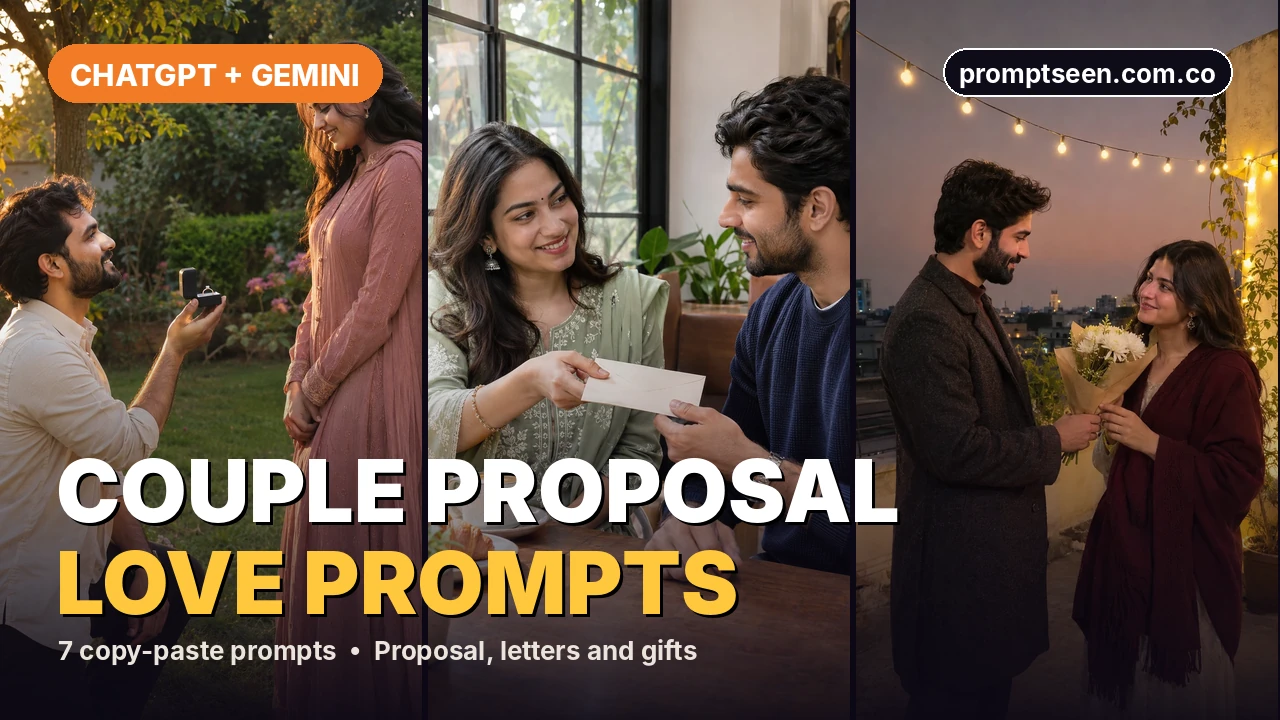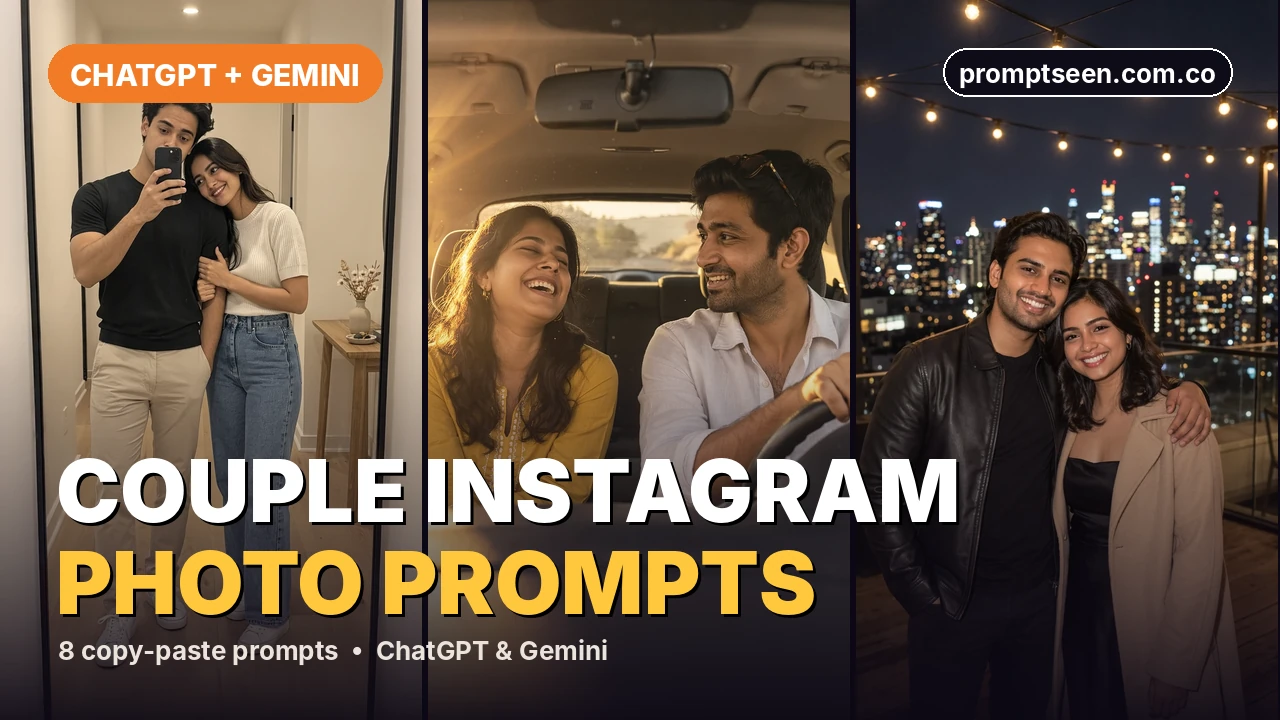
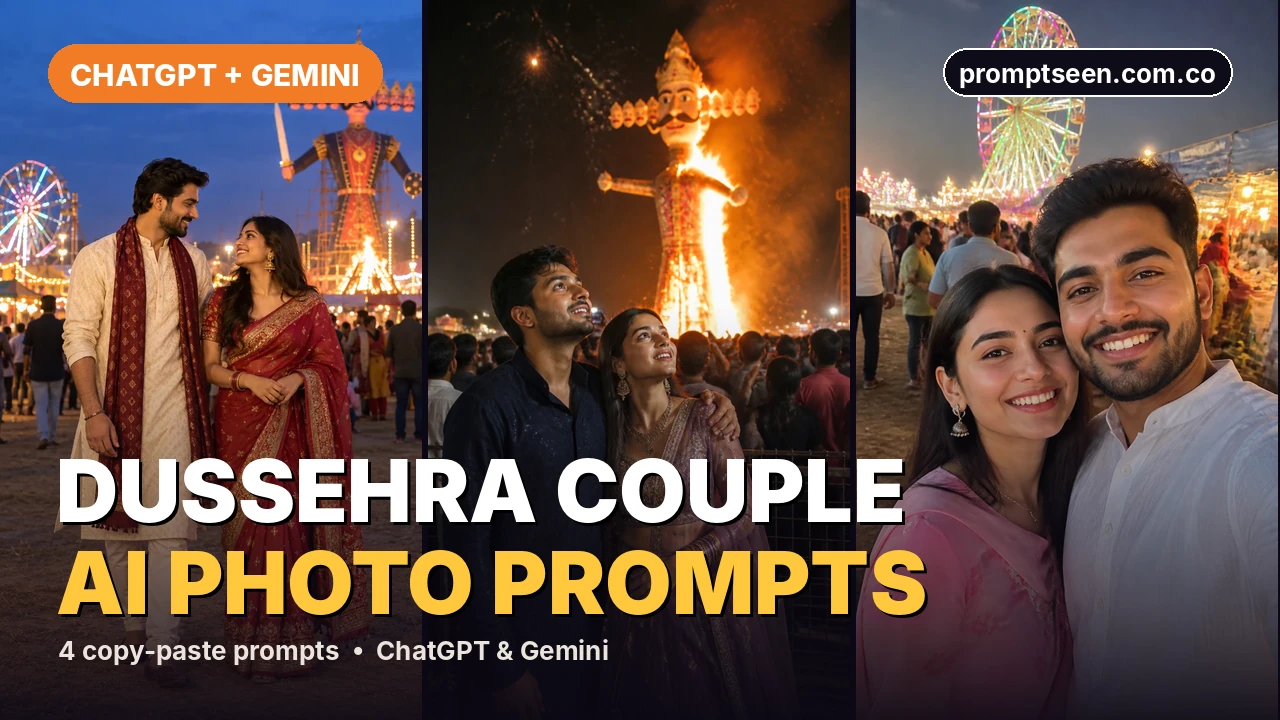
ये 4 दशहरा कपल प्रॉम्प्ट आप दोनों को मेले में दिखाते हैं, शाम की लाइट्स से लेकर जलते रावण के पुतले तक। त्योहार पीछे बैकग्राउंड में रहता है और फोकस आप दोनों पर, एक सहज और खुशी भरे पल में।
4 दशहरा कपल AI फोटो प्रॉम्प्ट (कॉपी-पेस्ट)
किसी भी फोटो के नीचे Copy prompt दबाएं, फिर अपनी फोटो के साथ ChatGPT या Gemini में पेस्ट करें।
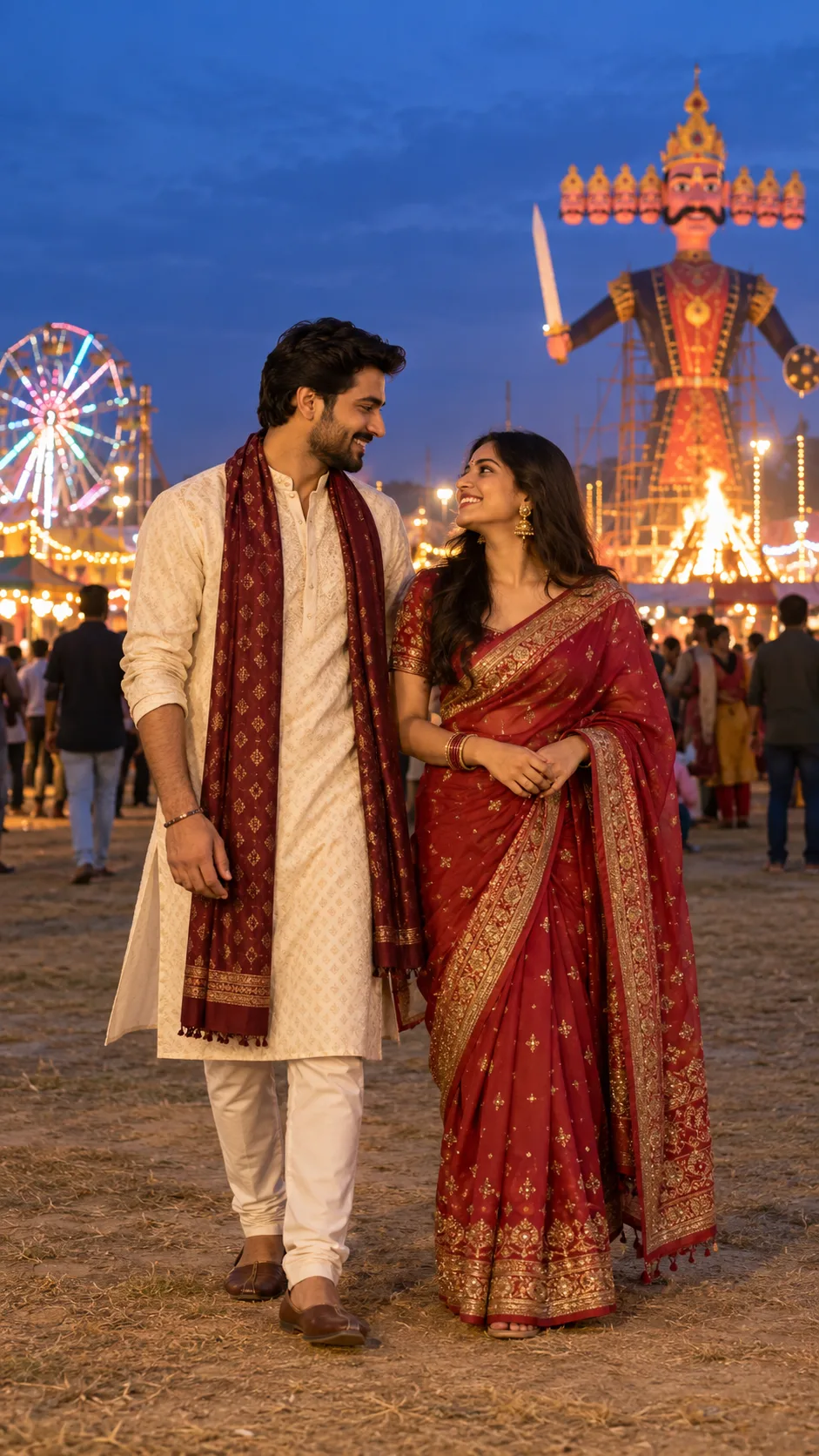
ढलती शाम में साथ
सूरज ढलने के बाद ट्रेडिशनल कपड़े और मेले की हल्की रोशनी।
Create a realistic full-length portrait of an adult South Asian couple at an outdoor Dussehra fair just after sunset. Dress them in coordinated but distinct traditional outfits in warm rust and muted teal. Let them stand close and share a natural smile, with hands relaxed and anatomically accurate. Add glowing fair lights and a distant Ravana effigy behind them, softly blurred against a deep blue sky. Use a warm light on both faces, detailed fabric and natural skin tones. Keep the mood candid and celebratory, like a professional documentary portrait. Vertical 9:16 frame, no text, logos or extra foreground people.
मेले में घूमते हुए
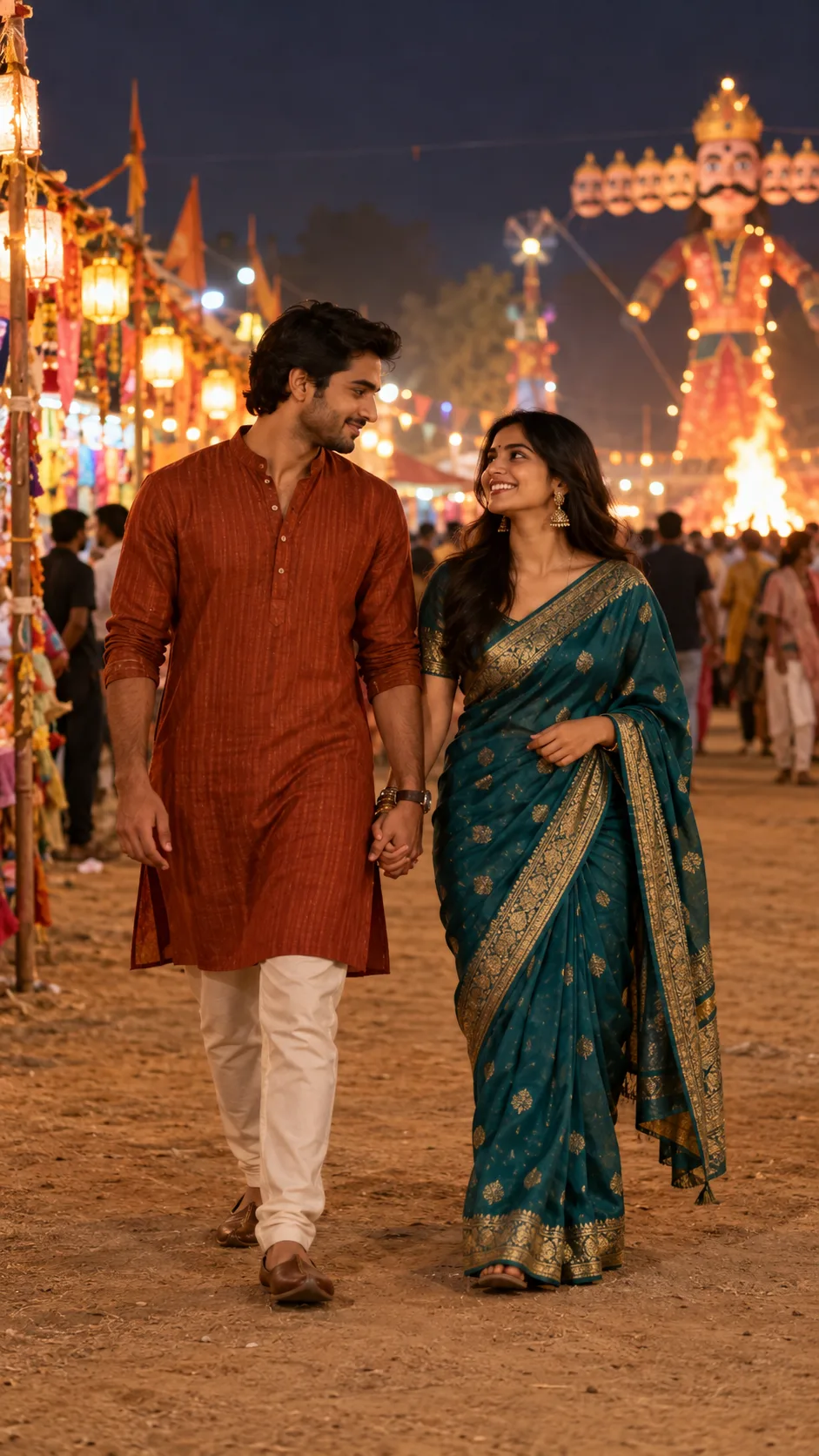
हाथों में हाथ डाले मेले में घूमते हुए।
Generate a candid photo of an adult couple walking hand in hand along a Dussehra fairground path after dusk. One wears a rust-colored kurta and the other a teal sari with a light border. Capture a genuine shared glance and gentle movement in the clothing. Use lanterns and marigold garlands near the path, with the festival effigy kept small and blurred in the far background. Balance warm bulbs with cool evening ambient light, preserve realistic faces and correct hands, and use an eye-level 9:16 vertical composition. No printed words, logos or watermark.
रावण दहन देखते हुए
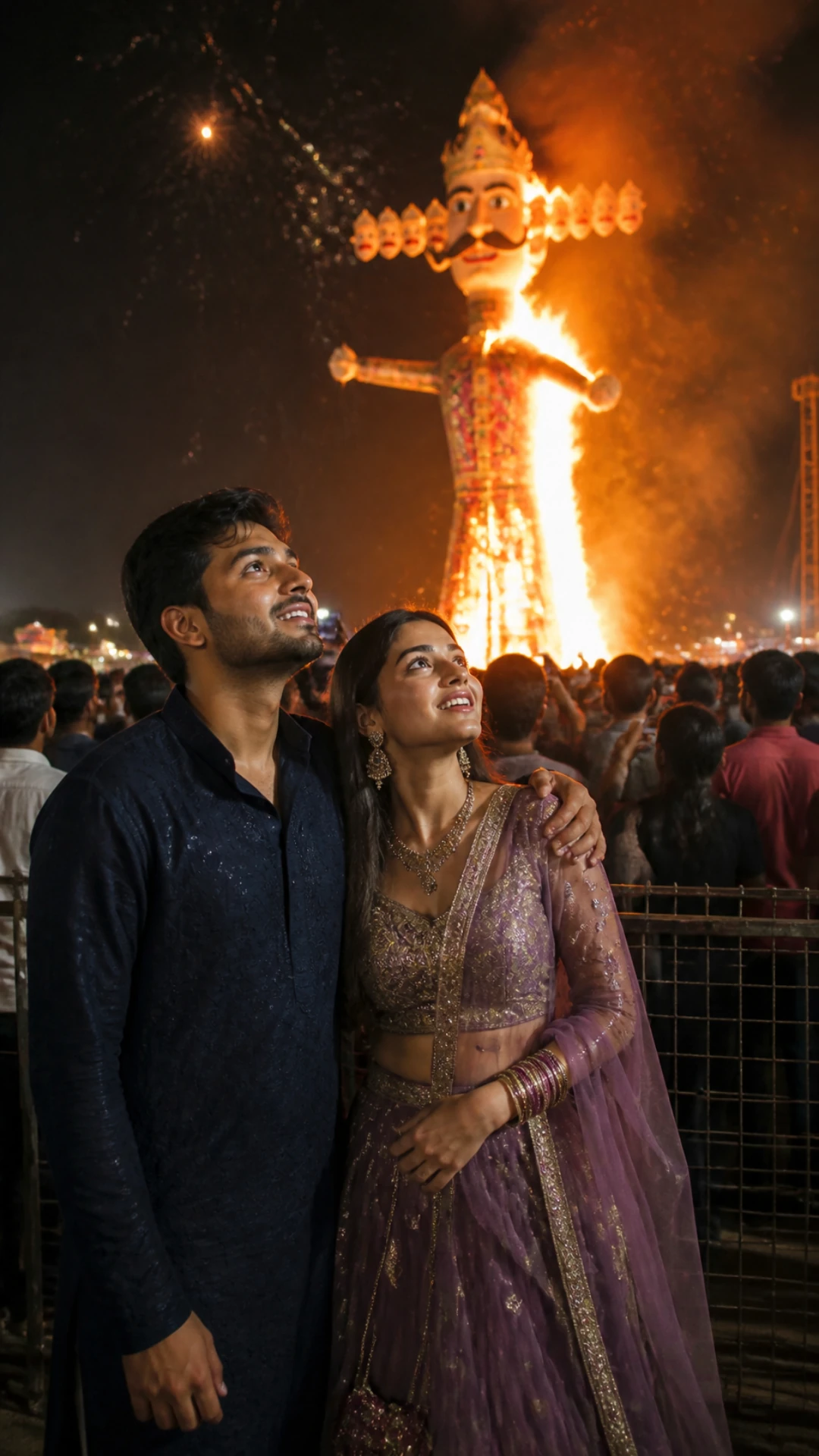
भीड़ में पास-पास खड़े, पीछे जलता पुतला।
Create a realistic night photo of the two people in the attached photos standing together in a Dussehra crowd, watching a giant Ravana effigy burn in the distance. She wears a purple lehenga, he wears a navy kurta with his arm around her. Orange flames and fireworks light their faces. Cinematic color, natural skin texture, vertical 9:16. Use the two uploaded photos as identity references and keep both faces, skin tones and hairstyles exactly. No text, logos, watermark or extra people.
मेले वाली सेल्फी
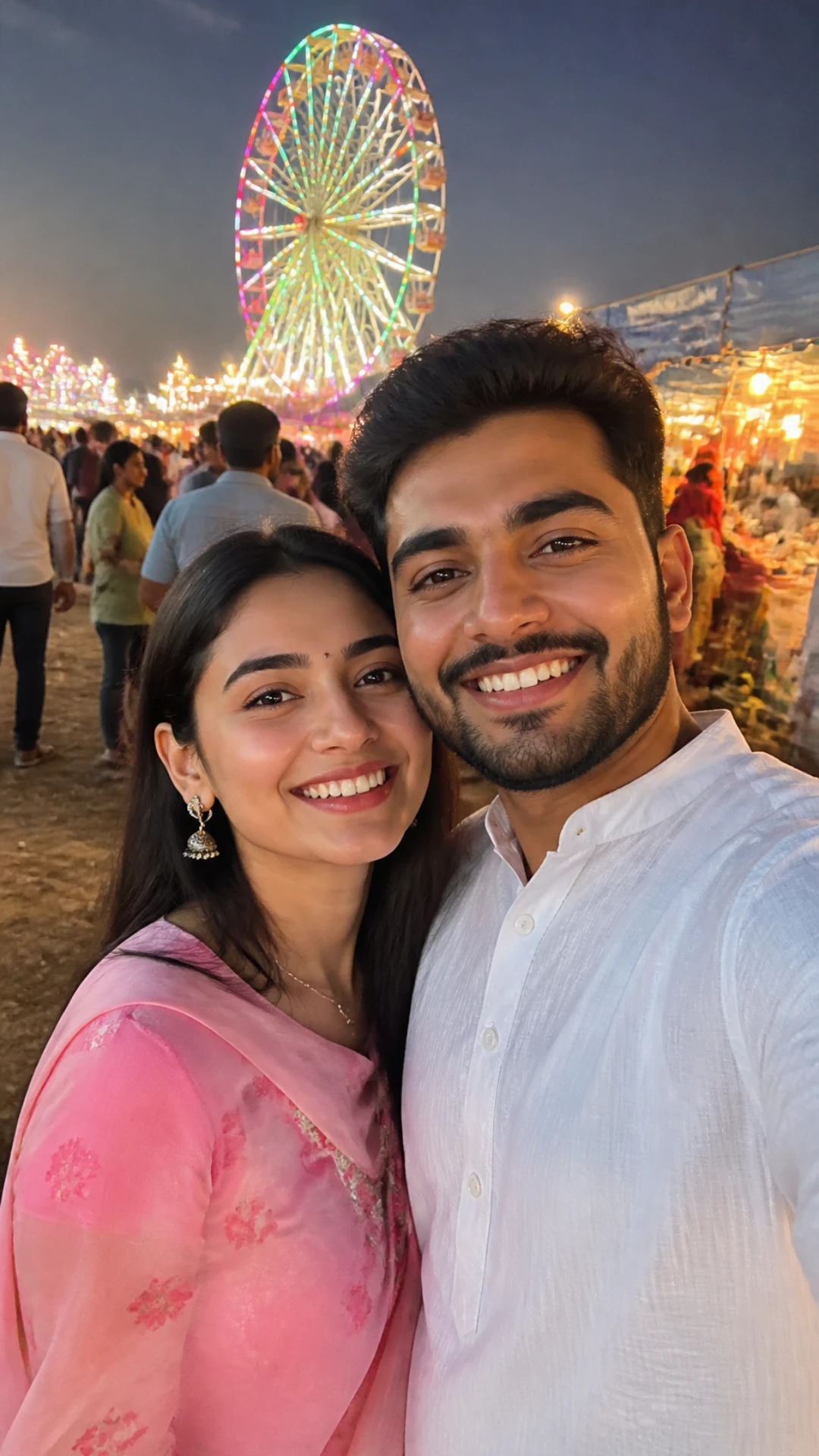
ढलती शाम में खुशी भरी सेल्फी, पीछे बड़े झूले की लाइट्स।
Create a realistic phone selfie of the two people in the attached photos at a Dussehra mela at dusk. She wears a pink suit, he wears a white kurta, and both smile at the camera. A colorful giant wheel and food stalls glow behind them. Warm festive light, natural skin texture, vertical 9:16. Use the two uploaded photos as identity references and keep both faces, skin tones and hairstyles exactly. No text, logos, watermark or extra people.
- सभी 4 प्रॉम्प्ट फ्री हैं और ChatGPT और Google Gemini में काम करते हैं।
- हर प्रॉम्प्ट बताता है कि क्या पहनना है, कहां खड़े होना है और रोशनी कहां से आ रही है, ताकि फोटो असली लगे।
- प्रॉम्प्ट AI से आप दोनों के चेहरे वैसे ही रखने को कहते हैं।
- हर प्रॉम्प्ट के साथ एक HD उदाहरण फोटो है, ताकि आप पहले लुक देख सकें।
दशहरा कपल प्रॉम्प्ट की तुलना
| प्रॉम्प्ट | स्टाइल | आपको क्या मिलेगा |
|---|---|---|
| 1. ढलती शाम में साथ | त्योहार वाला कपल | सूरज ढलने के बाद ट्रेडिशनल कपड़े और मेले की हल्की रोशनी। |
| 2. मेले में घूमते हुए | कैंडिड शाम | हाथों में हाथ डाले मेले में घूमते हुए। |
| 3. रावण दहन देखते हुए | रात का साथ | भीड़ में पास-पास खड़े, पीछे जलता पुतला। |
| 4. मेले वाली सेल्फी | मस्ती भरा और कैंडिड | ढलती शाम में खुशी भरी सेल्फी, पीछे बड़े झूले की लाइट्स। |
ChatGPT या Gemini में दशहरा कपल प्रॉम्प्ट कैसे इस्तेमाल करें
- ऊपर की टेबल से अपनी पसंद का प्रॉम्प्ट चुनें।
- ChatGPT या Google Gemini खोलें और नई चैट शुरू करें।
- हर व्यक्ति की एक साफ फोटो अपलोड करें (या आप दोनों की एक फोटो)।
- Copy prompt दबाएं और पूरा प्रॉम्प्ट चैट में पेस्ट करें।
- भेज दें। कुछ बदलाव चाहिए तो बताएं, जैसे "make the jacket black"।
- फोटो डाउनलोड करें और Instagram या WhatsApp पर शेयर करें, या प्रोफाइल फोटो बना लें।
बेहतर दशहरा कपल AI फोटो के लिए टिप्स
- आप दोनों की एक साफ फोटो अपलोड करें, या दोनों की अलग-अलग एक-एक फोटो।
- साथ चलते हुए या एक-दूसरे को देखते हुए जैसा सिंपल पोज़ मांगें, ताकि फोटो सहज लगे।
- पुतले को दूर पीछे रखें, ताकि फोकस आप दोनों पर रहे।
- एक बार में एक ही चीज़ बदलें, जैसे कपड़े या जगह, ताकि बाकी सब वैसा ही रहे।
- अगर स्किन बहुत स्मूद या नकली लगे, तो प्रॉम्प्ट में "natural skin texture" जोड़ें।
निष्कर्ष
जो प्रॉम्प्ट आपके मनचाहे लुक के सबसे करीब हो, उसे चुनें, चेहरे वाली लाइन रहने दें, और कपड़े या रंग बदलकर उसे अपना बनाएं।
अब हुंज़ा वैली कपल प्रॉम्प्ट आज़माएं, या ChatGPT और Gemini के लिए और कपल फोटो प्रॉम्प्ट देखें।
दशहरा कपल AI प्रॉम्प्ट: FAQ
क्या हम दोनों के चेहरे वैसे ही रहेंगे?
हां, ज़्यादातर बार। अगर कोई चेहरा बदल जाए, तो जवाब में "keep both faces exactly like my photo" लिखें और दोबारा कोशिश करें।
क्या कपड़ों के रंग अलग रखे जा सकते हैं?
हां। एक हल्का और एक गहरा रंग चुनें, ताकि गरम रोशनी में आप दोनों अलग से दिखें।
क्या ये प्रॉम्प्ट इस्तेमाल करने के लिए फ्री हैं?
हां। इस पेज का हर प्रॉम्प्ट कॉपी करने के लिए फ्री है। बस ChatGPT या Google Gemini अकाउंट चाहिए।
क्या ये प्रॉम्प्ट Gemini Nano Banana में काम करते हैं?
हां। Gemini में अपनी फोटो अपलोड करें, प्रॉम्प्ट पेस्ट करें और भेज दें। यही प्रॉम्प्ट ChatGPT में भी काम करते हैं।