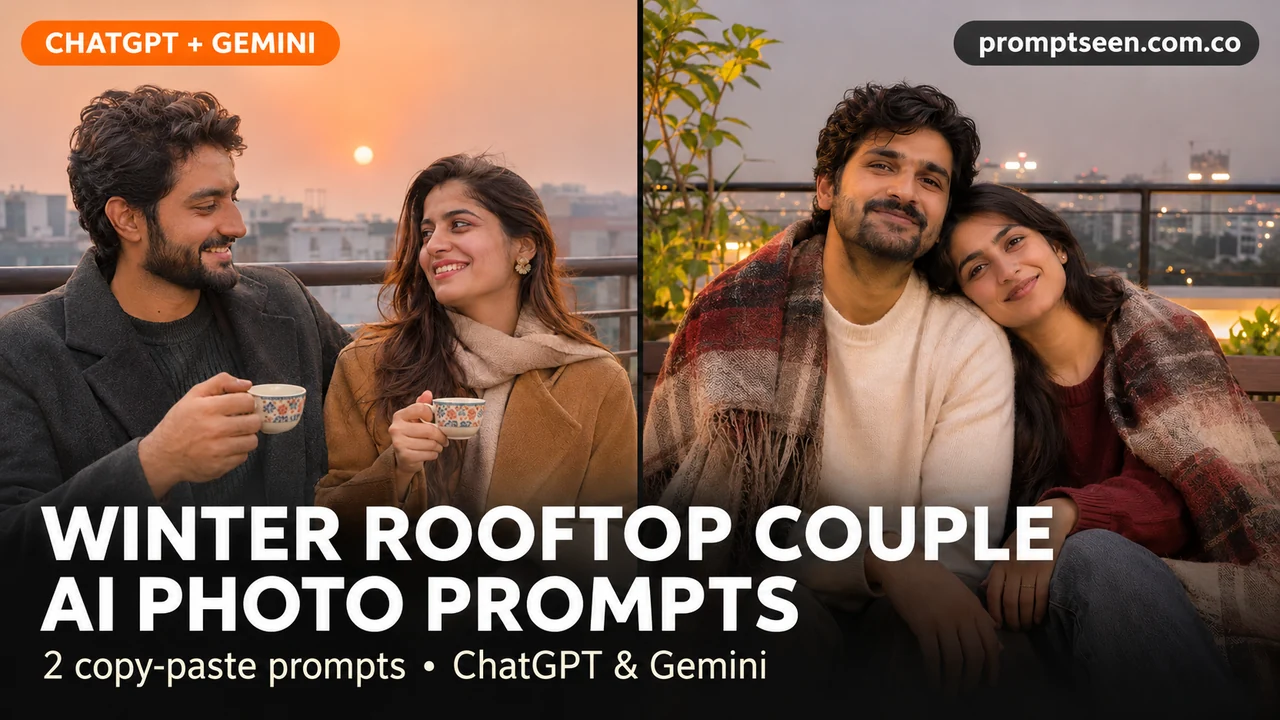
A quiet rooftop can make a lovely couple photo without a busy background. Try soft sunset light first. For the second look, use city lights after dark and keep a little warm light on both faces. Use each couple photo prompt in ChatGPT or Gemini. Upload your photos, choose a look and paste the full prompt. These ChatGPT photo editing prompts are a starting point; check both faces before saving.
Winter Rooftop Couple AI Photo Prompts (Copy & Paste)
Tap Copy prompt under any photo, then paste it into ChatGPT or Gemini with a clear photo.
Sunset Tea On The Rooftop Prompt
Sit side by side so both faces get the same light. Plain tea cups keep the scene simple.
Make a natural-looking photograph using the adult person or people in my uploaded photo. Show the two adults sitting side by side on a safe rooftop terrace, wearing camel and charcoal wool coats. Give each person one small tea cup. Use soft winter sunset light, a waist-high railing and distant low-rise buildings. Frame both people from the waist up. Keep each face, age, hair and skin tone close to the original photo. Do not blend faces or reshape the body. Show natural skin and cloth detail. Keep hands and fingers normal. Use a tall 4:5 frame. No words, logos or watermark.

City Lights And One Blanket Prompt
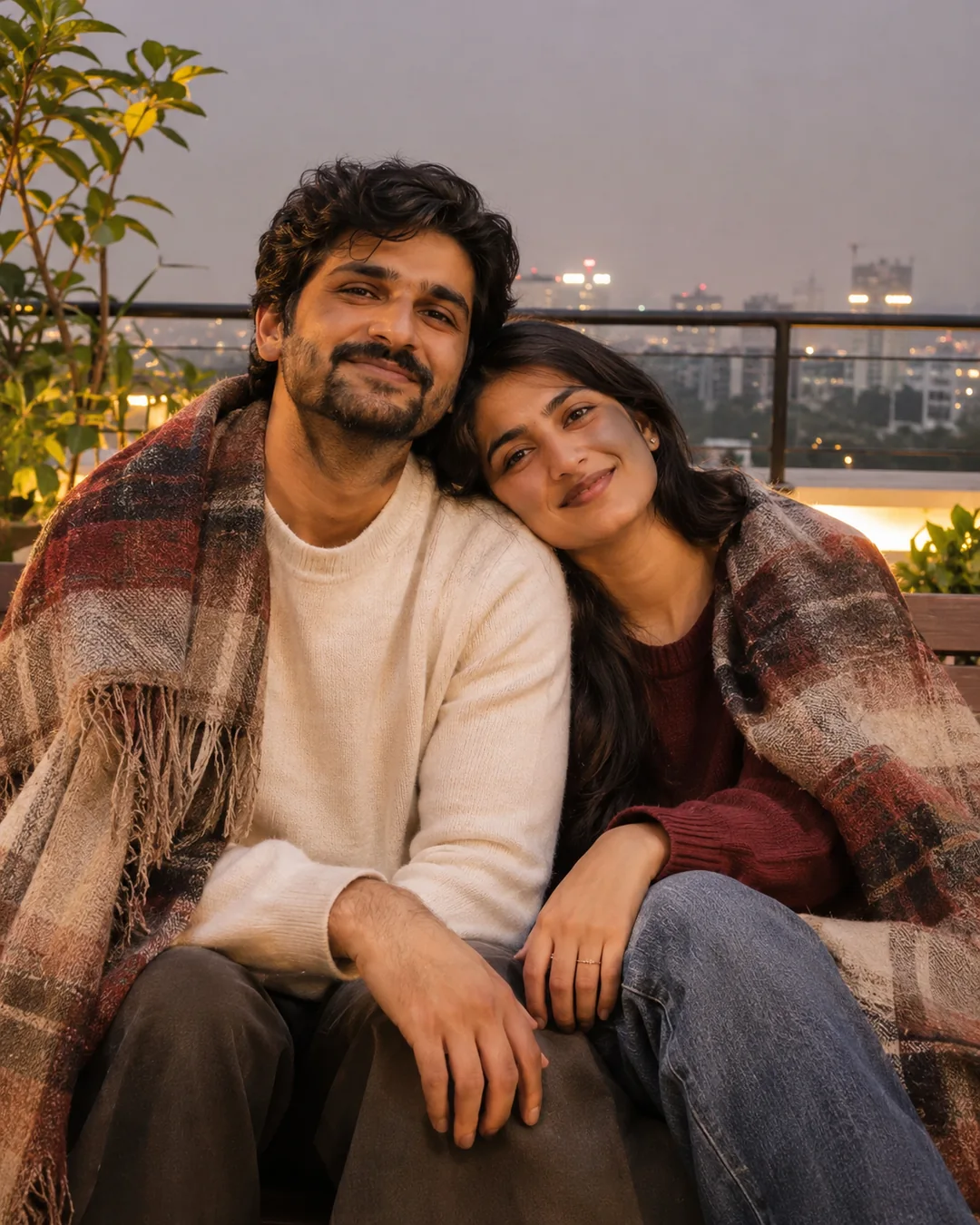
Keep the blanket below the chin. A small light in front helps the faces stay clear.
Make a natural-looking photograph using the adult person or people in my uploaded photo. Show the two adults sitting close together on a rooftop bench with one wool blanket over their shoulders. Use warm light on both faces, soft city lights in the distance and a safe high railing. Keep their hands visible and relaxed. Keep each face, age, hair and skin tone close to the original photo. Do not blend faces or reshape the body. Show natural skin and cloth detail. Keep hands and fingers normal. Use a tall 4:5 frame. No words, logos or watermark.
How to Use These Prompts in ChatGPT or Gemini
- Choose a clear photo with the face in good light. Use one photo per person if you do not have a good group photo.
- Open a chat with image tools in ChatGPT or Gemini. Upload the photo, then paste one complete prompt.
- Change the clothes or colors if you want. Keep the first try simple.
- Check every face and hand. Ask for one small fix before saving the photo.
Tips for Better Results
- Ask for a safe railing and keep the couple away from the edge.
- Use warm light on both faces for the night look.
- If the blanket hides a hand, ask the tool to show that hand clearly.
Conclusion
Pick a look, upload a clear photo and paste the full prompt. For more ideas, browse our free couple prompts or the latest prompts on Prompt Seen.
FAQs
Will the face stay exactly the same?
Not always. A clear photo helps, but the tool can still change small features. Compare the result with your original and ask it to fix the part that looks wrong.
Can I adapt a trending prompt for my own photo?
Yes. Use your own clear photos and replace the outfit or setting with something you like. Keep one simple pose and check that both faces still look like the originals.
Are these real photos?
No. The pictures on this page are AI-made examples with fictional adults. Your own result will depend on your uploaded photo and the tool you use.