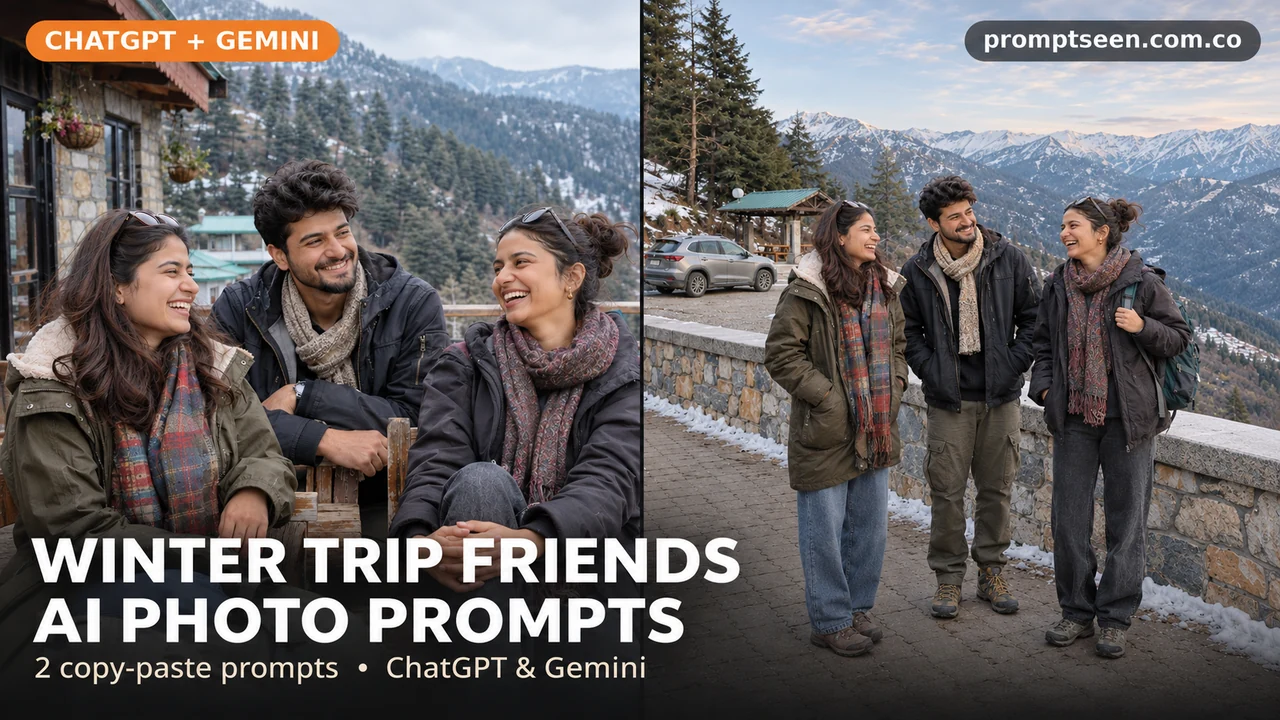
Group photos are better when everyone has room to stand. These winter trip ideas use three adult friends at a guesthouse and beside a mountain road stop. Keep each face clear and choose warm clothes that fit the place. You can swap the coat colors to match your group. Upload your photo, copy one prompt below and paste it into your image chat.
Winter Trip with Friends AI Photo Prompts (Copy & Paste)
Tap Copy prompt under any photo, then paste it into ChatGPT or Gemini with a clear photo.
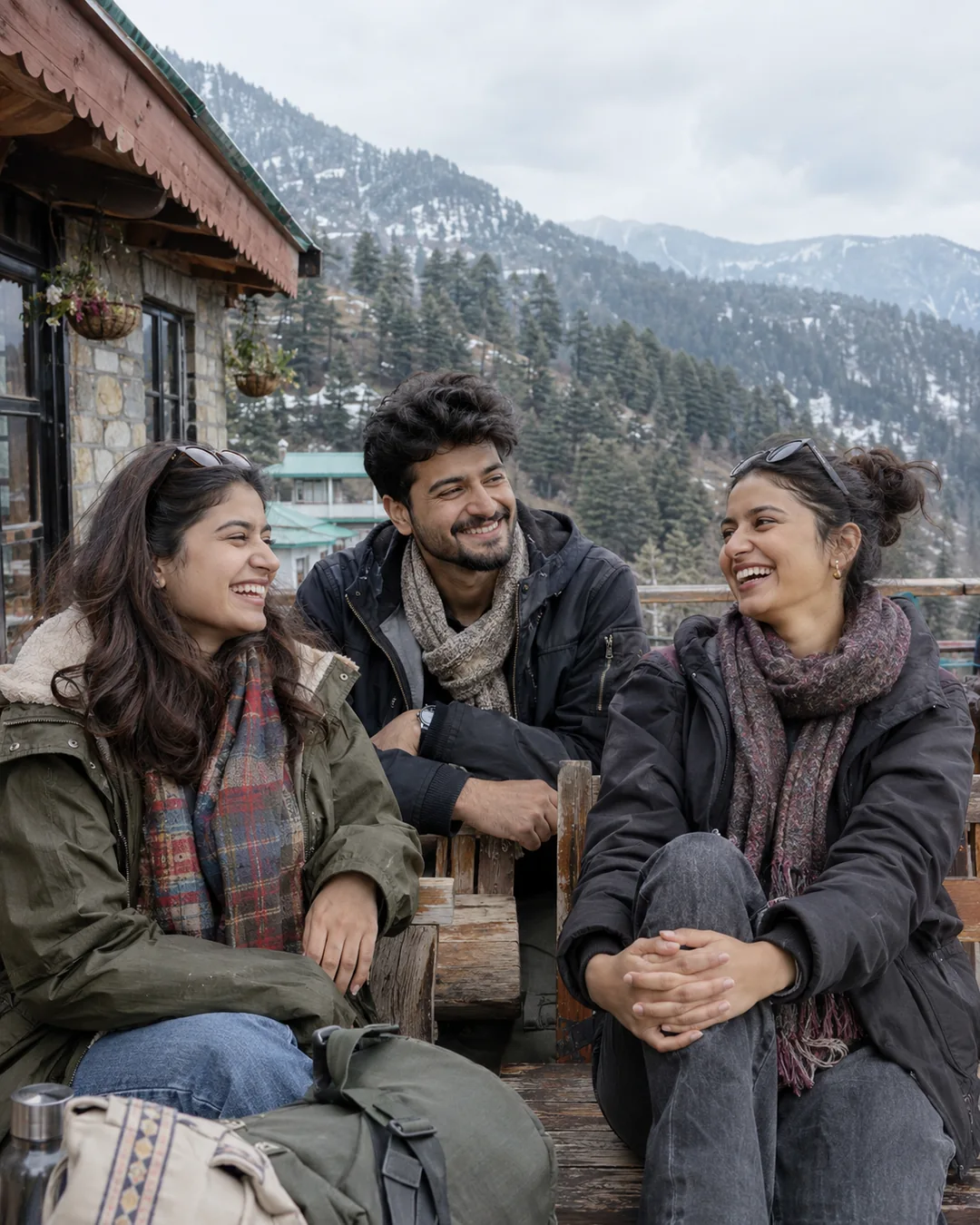
Guesthouse Terrace Laugh Prompt
Use this as the first photo in a trip album. Keep the friends at slightly different heights, with no face hidden.
Make a natural-looking photograph using the adult person or people in my uploaded photo. Show the three adult friends in my uploaded group photo laughing on a mountain guesthouse terrace in winter. Two women and one man wear plain winter coats and scarves in navy, cream and olive. Keep all three faces clear and separate. Put a bench and two small travel bags at the side. Show distant pine hills with a little settled snow. Use soft cloudy daylight and a natural relaxed pose. Keep the hands easy to see. Keep each face, age, hair and skin tone close to the original photo. Do not blend faces or reshape the body. Show natural skin and cloth detail. Keep hands and fingers normal. Use a tall 4:5 frame. No words, logos or watermark.
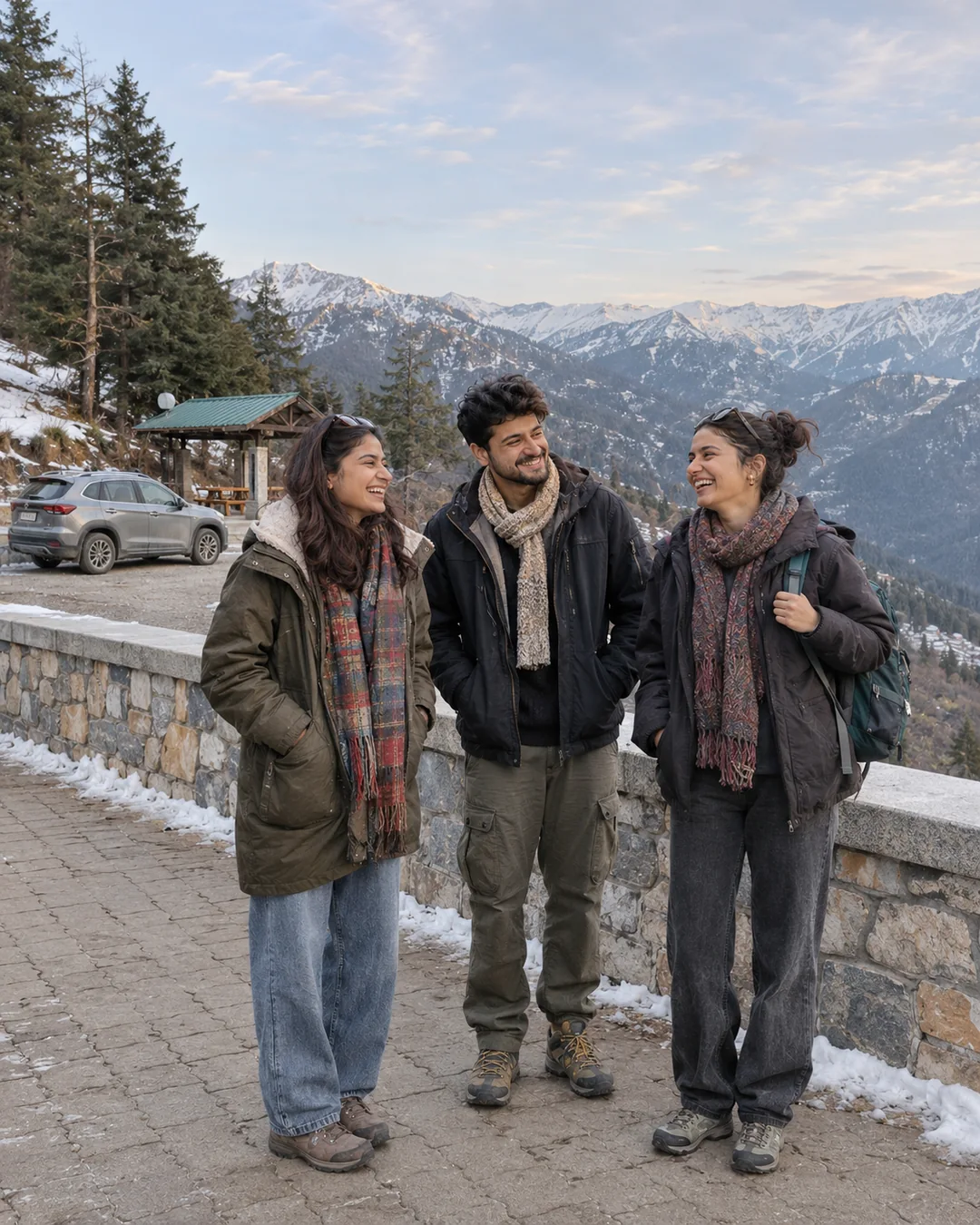
A Safe Mountain Road Stop Prompt
A wide view shows the place as well as the friends. Keep everyone well away from moving traffic and steep edges.
Make a natural-looking photograph using the adult person or people in my uploaded photo. Show the three adult friends in my uploaded group photo standing at a safe roadside rest stop in the mountains during winter. They wear warm coats, scarves and practical shoes. A parked car is fully off the road behind them. Keep the friends on a flat walkway behind a low safety wall, away from traffic and steep edges. Show their full bodies and a wide mountain view. Use soft late-afternoon light with no heavy snowstorm. Keep each face, age, hair and skin tone close to the original photo. Do not blend faces or reshape the body. Show natural skin and cloth detail. Keep hands and fingers normal. Use a tall 4:5 frame. No words, logos or watermark.
How to Use These Prompts in ChatGPT or Gemini
- Choose a clear photo with the face in good light. Use one photo per person if you do not have a good group photo.
- Open a chat with image tools in ChatGPT or Gemini. Upload the photo, then paste one complete prompt.
- Change the clothes or colors if you want. Keep the first try simple.
- Check every face and hand. Ask for one small fix before saving the photo.
Tips for Better Results
- Use a clear group photo or one clear photo of each friend.
- Tell the tool who stands left, middle and right.
- Count the people and check every face before saving.
Conclusion
Pick a look, upload a clear photo and paste the full prompt. For more ideas, browse our free AI photo prompts or the latest prompts on Prompt Seen.
FAQs
Will the face stay exactly the same?
Not always. A clear photo helps, but the tool can still change small features. Compare the result with your original and ask it to fix the part that looks wrong.
Can I change the clothes or colors?
Yes. Replace the outfit line with the clothes you want. Keep the light and pose the same while you try a new color.
Are these real photos?
No. The pictures on this page are AI-made examples with fictional adults. Your own result will depend on your uploaded photo and the tool you use.