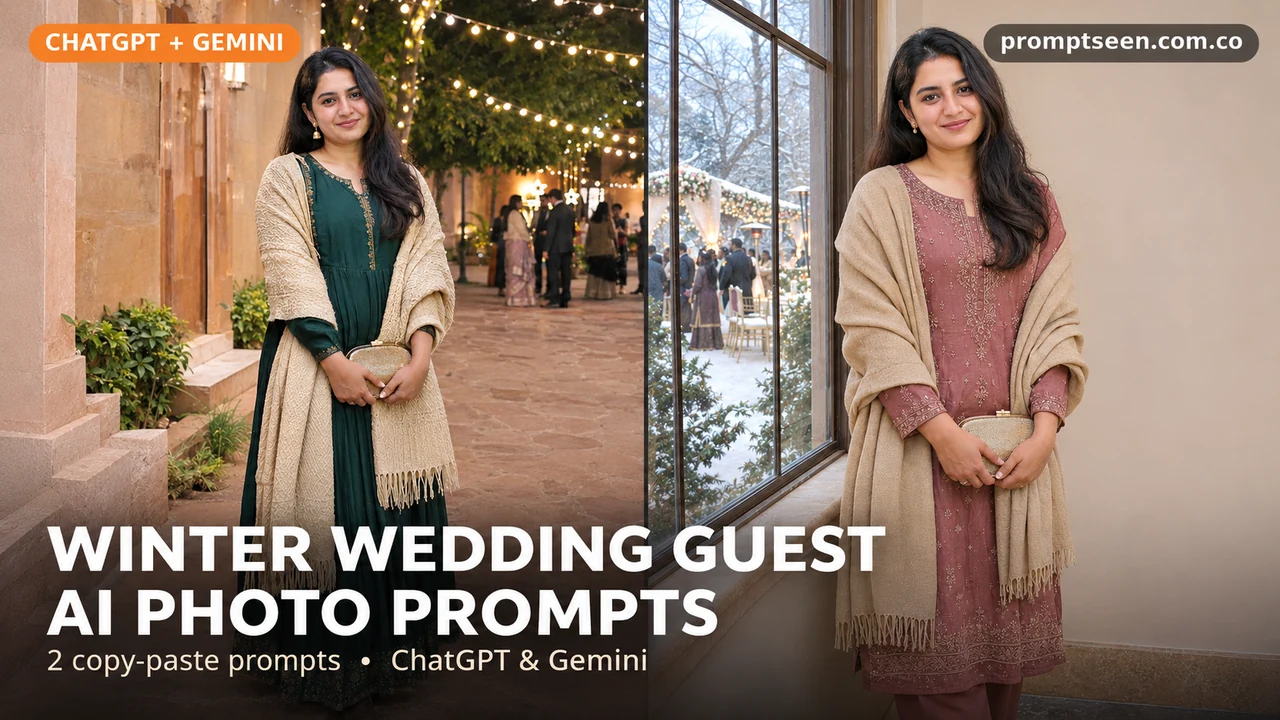
Going to a winter wedding and want to try an outfit first? These two looks pair a dress with a warm shawl. One uses evening lights. The other uses soft daylight by a window. Both are guest looks, so the clothes and jewelry stay lighter than a bridal outfit. Upload your photo, copy one prompt below and paste it into your image chat.
Winter Wedding Guest AI Photo Prompts (Copy & Paste)
Tap Copy prompt under any photo, then paste it into ChatGPT or Gemini with a clear photo.
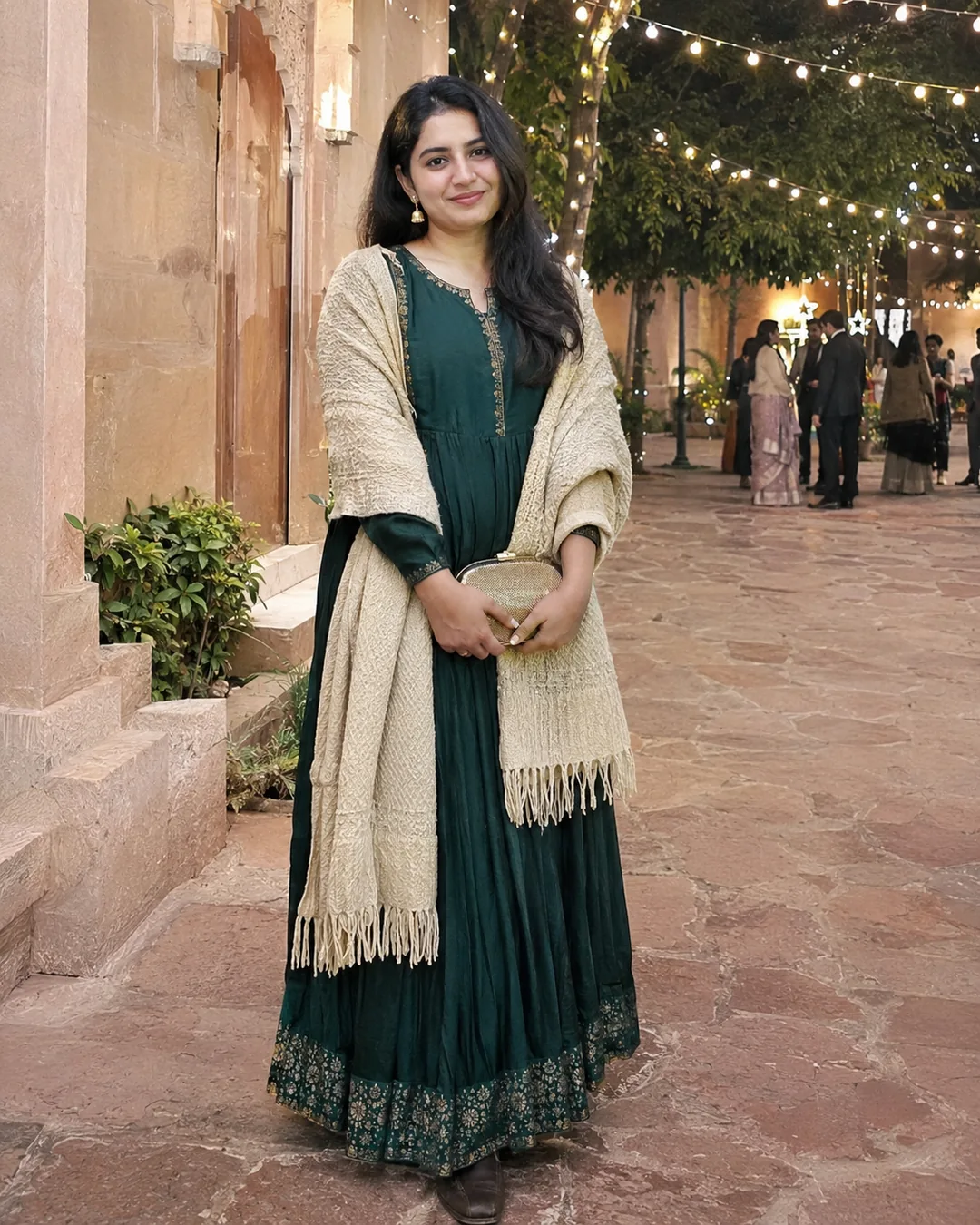
Emerald Dress And Cream Shawl Prompt
Use this for an evening wedding photo. Show the full outfit and keep the shawl loose around the shoulders.
Make a natural-looking photograph using the adult person or people in my uploaded photo. Show the adult woman in my photo as a guest at a winter wedding. She wears a muted emerald Anarkali dress, simple gold earrings, closed shoes and a cream wool shawl. She holds a small clutch at her waist and smiles naturally. Show her from head to toe in a stone courtyard under warm string lights. Keep distant guests out of focus. No bridal veil or heavy bridal jewelry. Keep each face, age, hair and skin tone close to the original photo. Do not blend faces or reshape the body. Show natural skin and cloth detail. Keep hands and fingers normal. Use a tall 4:5 frame. No words, logos or watermark.
Rose Outfit By A Window Prompt
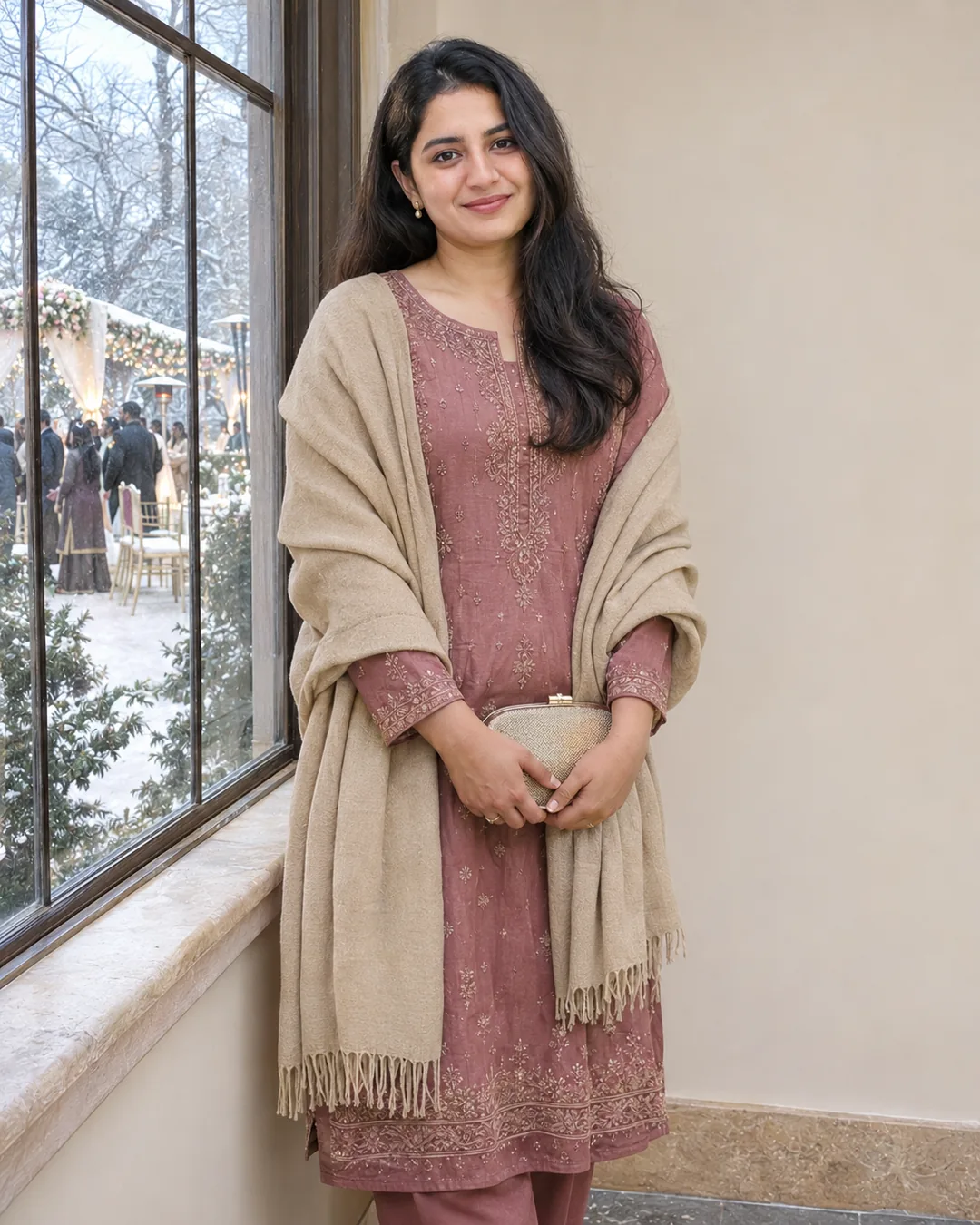
Try this when you want a softer daytime photo. A plain wall helps show the fabric and jewelry.
Make a natural-looking photograph using the adult person or people in my uploaded photo. Show the adult woman in my photo beside a tall window at a winter wedding venue during the day. She wears a dusty-rose suit, small earrings and a plain beige shawl. Her hands rest naturally around a small clutch. Show her from the knees up with soft window light on her face and a simple cream wall behind. Keep the cloth folds and skin detail natural. No bridal headpiece or heavy makeup. Keep each face, age, hair and skin tone close to the original photo. Do not blend faces or reshape the body. Show natural skin and cloth detail. Keep hands and fingers normal. Use a tall 4:5 frame. No words, logos or watermark.
How to Use These Prompts in ChatGPT or Gemini
- Choose a clear photo with the face in good light. Use one photo per person if you do not have a good group photo.
- Open a chat with image tools in ChatGPT or Gemini. Upload the photo, then paste one complete prompt.
- Change the clothes or colors if you want. Keep the first try simple.
- Check every face and hand. Ask for one small fix before saving the photo.
Tips for Better Results
- Say guest outfit so the tool does not add bridal jewelry.
- Keep the shawl color different from the dress.
- For a full outfit shot, ask it to show both shoes.
Conclusion
Pick a look, upload a clear photo and paste the full prompt. For more ideas, browse our free AI photo prompts or the latest prompts on Prompt Seen.
FAQs
Will the face stay exactly the same?
Not always. A clear photo helps, but the tool can still change small features. Compare the result with your original and ask it to fix the part that looks wrong.
Can I change the clothes or colors?
Yes. Replace the outfit line with the clothes you want. Keep the light and pose the same while you try a new color.
Are these real photos?
No. The pictures on this page are AI-made examples with fictional adults. Your own result will depend on your uploaded photo and the tool you use.